Cloud computing has changed how people store files, use software, share documents, and access digital services. Instead of keeping every file or running every application on a single personal computer, users can access computing resources through services provided over the internet.
Cloud technology supports everything from personal photo backups to business applications and large-scale data processing. Understanding how it works can help you choose services that suit your needs.
What Is Cloud Computing?
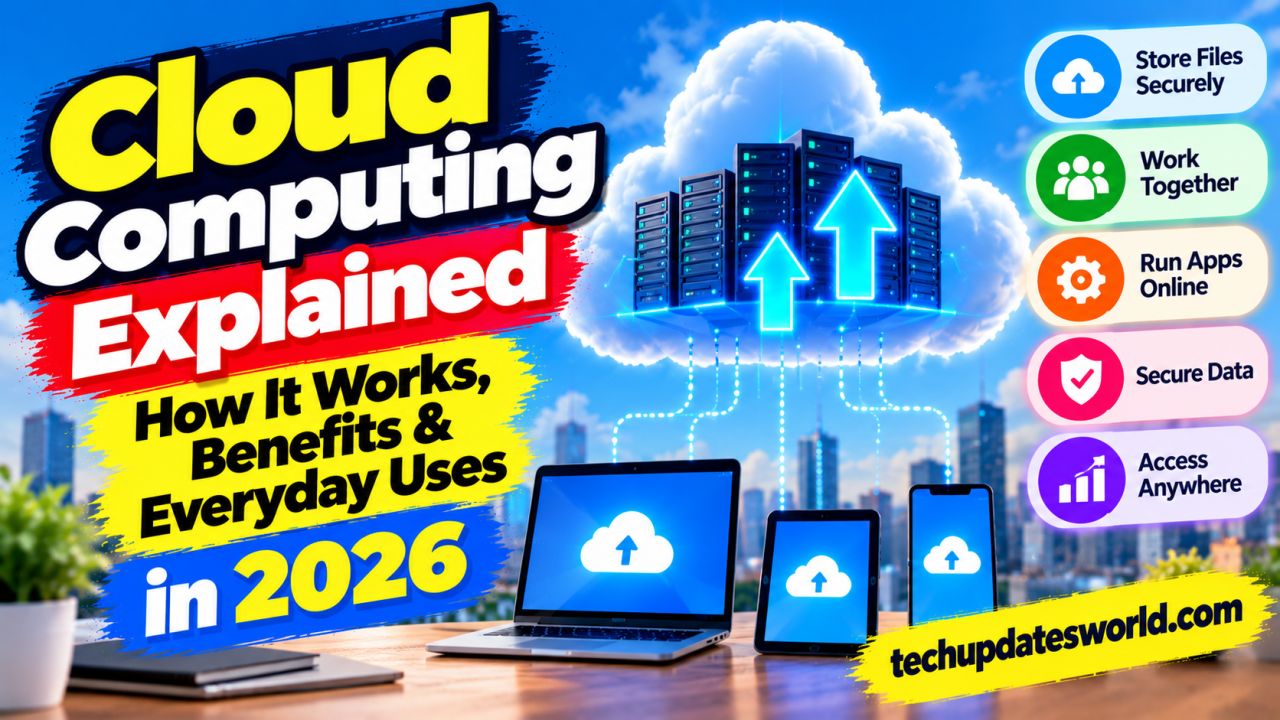
Cloud computing is the delivery of computing resources—such as storage, servers, databases, software, and processing power—over a network, usually the internet.
A cloud provider operates the underlying infrastructure and makes selected resources available to users. Depending on the service, the provider may manage almost everything or allow customers to control more of the system.
How Does Cloud Computing Work?
Cloud services run on infrastructure maintained by a provider, often across multiple data centers.
When you upload a file to a cloud storage service, your device sends the data to the provider’s systems. You can then access the file from other supported devices by signing in, provided you have an internet connection and the necessary permissions.
The exact architecture differs between services. Some data may be synchronized to your device, while other content remains online until you access it.
Three Common Types of Cloud Services
1. Infrastructure as a Service (IaaS)
IaaS provides computing resources such as virtual servers, storage, and networking. Organizations can configure these resources to run applications without purchasing and maintaining all the physical hardware themselves.
It offers flexibility but generally requires technical expertise to configure and secure the environment.
2. Platform as a Service (PaaS)
PaaS provides an environment for building, testing, and deploying applications. Developers can focus more on their code while the provider manages many underlying infrastructure tasks.
The level of control and responsibility depends on the specific platform.
3. Software as a Service (SaaS)
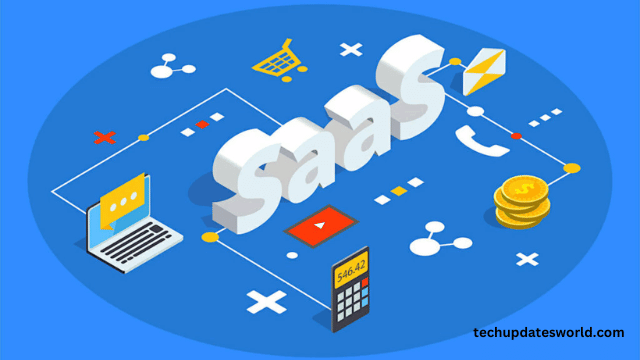
SaaS delivers software through a browser or application. Examples include online email, collaborative documents, project-management platforms, and customer-management software.
Users usually pay a subscription or use a free tier, while the provider manages much of the software infrastructure.
Key Benefits of Cloud Computing
Access From Different Devices
Cloud-based files and applications can often be accessed from multiple devices. This is useful for people who work across a laptop, phone, and tablet.
Easier Collaboration
Teams can share documents, edit files together, and manage permissions without repeatedly sending separate attachments.
Flexible Capacity
Businesses can often increase or reduce computing resources according to demand rather than purchasing all the hardware they might need at peak usage.
Less Infrastructure Maintenance
Cloud providers manage much of the physical infrastructure. However, customers may still be responsible for software configuration, access permissions, data protection, and other security tasks.
Backup and Recovery Options
Some cloud services offer version history, redundancy, and recovery features. These can help protect against accidental deletion or device failure, but they do not eliminate every risk.
Common Uses of Cloud Computing
Cloud computing supports many familiar activities:
- Storing photographs, documents, and other files.
- Hosting websites and online stores.
- Running business applications and databases.
- Supporting video meetings and collaborative work.
- Processing data for analytics and AI applications.
- Delivering streaming media and online games.
- Backing up selected devices and business systems.
Is Cloud Computing Safe?
Cloud services can offer strong security controls, but no service is automatically risk-free.
Security depends on the provider, the service configuration, user behavior, and the sensitivity of the information involved. Weak passwords, excessive sharing permissions, misconfigured storage, and compromised accounts can expose data.
To improve security:
- Use unique passwords and multifactor authentication.
- Review file-sharing and access permissions.
- Encrypt sensitive data when appropriate.
- Keep devices and applications updated.
- Understand the provider’s privacy and retention policies.
- Maintain independent backups of critical information.
Cloud Storage vs. Local Storage
Local storage keeps data on a device or storage medium that you control directly. Cloud storage keeps data on infrastructure operated by a provider.
Local storage can provide fast access without an internet connection, while cloud storage can make sharing and access across devices easier. Many people benefit from using both.
Remember that synchronization is not always the same as backup: deleting or corrupting a synchronized file may affect other copies. Check whether the service offers version history and recovery.
What Are the Limitations of Cloud Computing?
Cloud services may require a reliable internet connection, ongoing subscription payments, and trust in a third-party provider. Data transfers, service outages, account loss, and migration between providers can also create challenges.
Before choosing a service, compare its storage limits, pricing, security features, export options, support, and terms of service.
Conclusion
Cloud computing makes it easier to access software, store files, collaborate, and scale digital services. It is useful for individuals, students, freelancers, and businesses, but choosing the right service requires attention to cost, security, privacy, and reliability.
Start by identifying what you need to store or run, then select a service whose features and safeguards match those requirements.